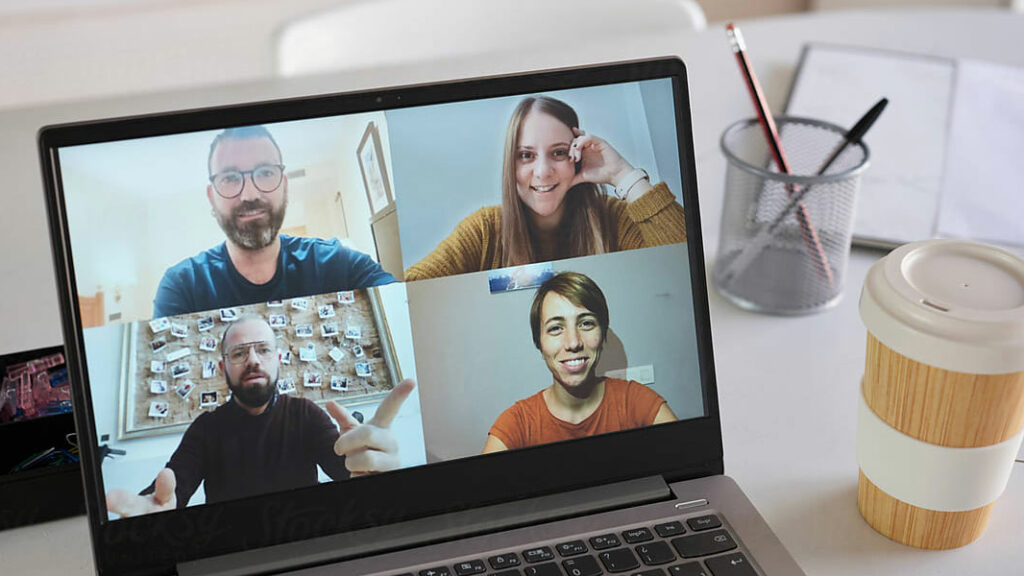
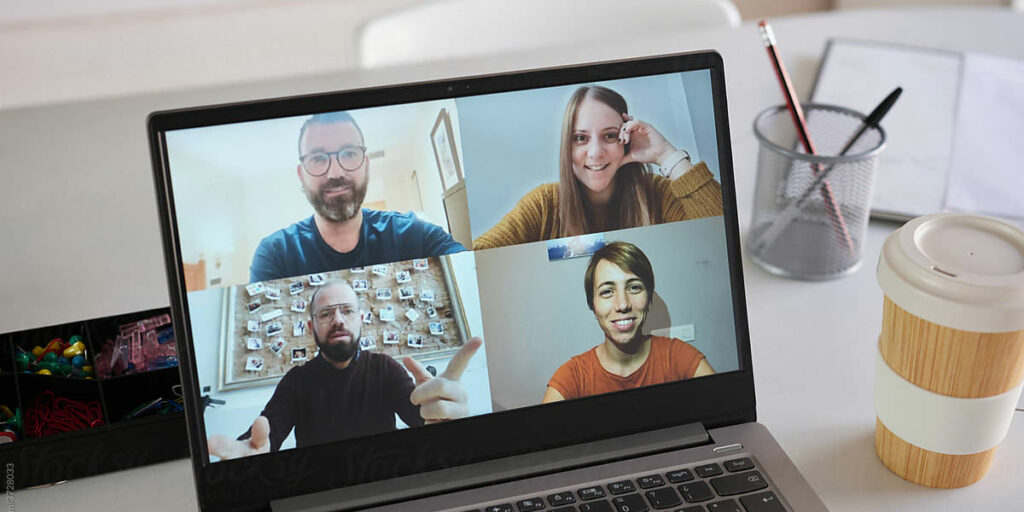
A video meeting often feels informal, but the way you appear on camera still affects how your message is received. With a few small adjustments, you can look and sound much more professional.
1. Put the camera at eye level
Avoid looking down into a laptop camera. Place your laptop on a stand or use an external webcam so you can speak at eye level.
2. Use light from the front
Sit facing a window or use a lamp in front of you. Avoid strong light from behind, because it turns your face into a silhouette.
3. Choose a quiet background
A calm background keeps attention on you. Remove distracting objects and avoid people walking through the frame.
4. Improve your sound
Use a headset or external microphone if possible. Clear sound is more important than perfect image quality.
5. Look at the camera
When you make an important point, look into the camera instead of at your own image. It feels more direct to the people watching.
6. Check your connection
A stable internet connection prevents interruptions. Use a wired connection if the meeting is important.
7. Prepare your content
Know what you want to say and keep your notes close. A confident speaker looks better on camera because the attention goes to the message, not the technology.
Want to discuss an online, hybrid or live event? Contact Valo Online Events.