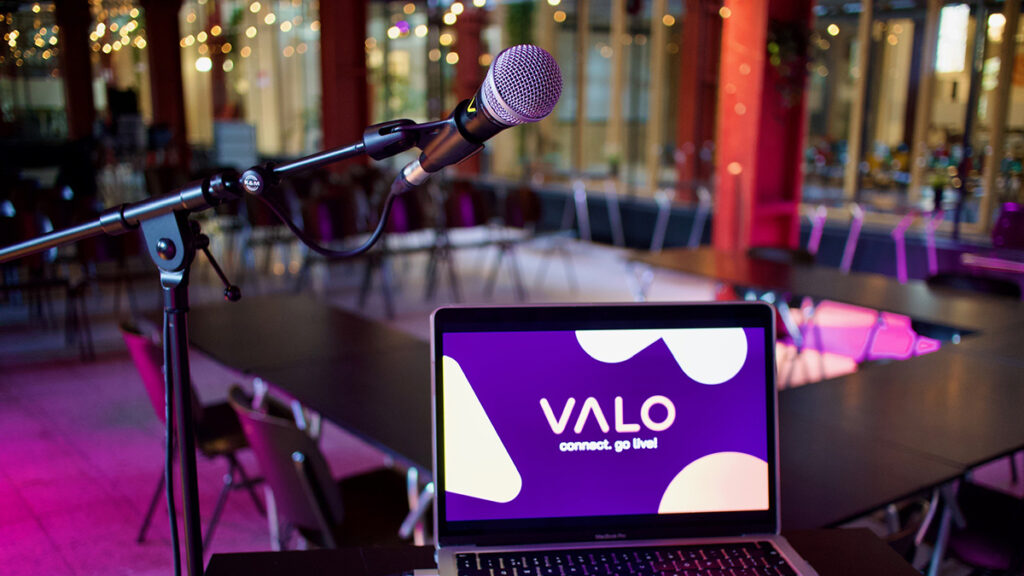

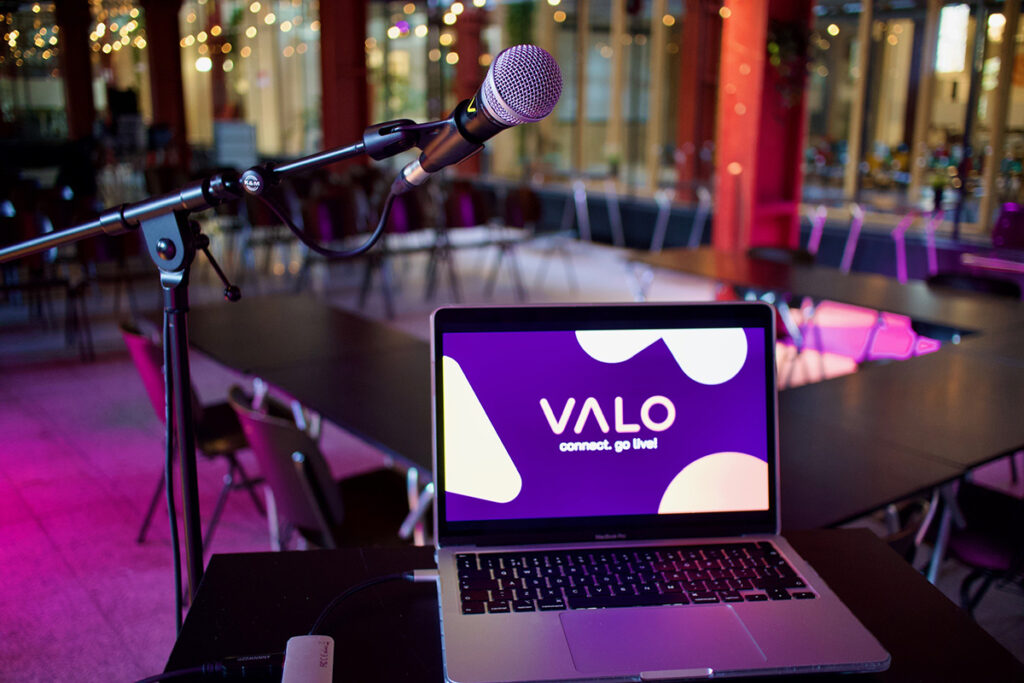
At a physical event, the presentation is often the backbone of the programme. Slides, videos, microphones, lighting and timing all need to work together. When one element fails, the audience notices immediately.
1. Test every presentation in advance
Ask speakers to deliver their slides early and test them on the actual presentation system. Check fonts, videos, animations, aspect ratio and click-throughs. A file that works on a laptop can behave differently on an event computer.
2. Keep audio and video separate where possible
Videos with sound often create last-minute problems. Make sure the audio route is tested separately from the image. The technician should know which videos contain sound and when they will be played.
3. Rehearse with the speakers
A short technical rehearsal helps speakers understand the stage, microphones, clicker, confidence monitor and timing. It also gives the production team a chance to spot problems before the audience enters the room.
4. Prepare the room for visibility and sound
Good presentation support is not only about the slides. The audience must be able to see the screen, hear the speaker and follow transitions between programme items. Lighting, screen placement and microphone choice all play a role.
5. Always have a backup plan
Bring spare cables, a backup laptop, extra microphones and a copy of every presentation. Technical issues can happen at any event. A good backup plan makes the difference between a short pause and a visible failure.
Valo’s role in presentation support
Valo supports physical events with professional audiovisual technology and technicians who understand live timing. We help speakers focus on their story while we take care of the technical details.
Want to discuss an online, hybrid or live event? Contact Valo Online Events.