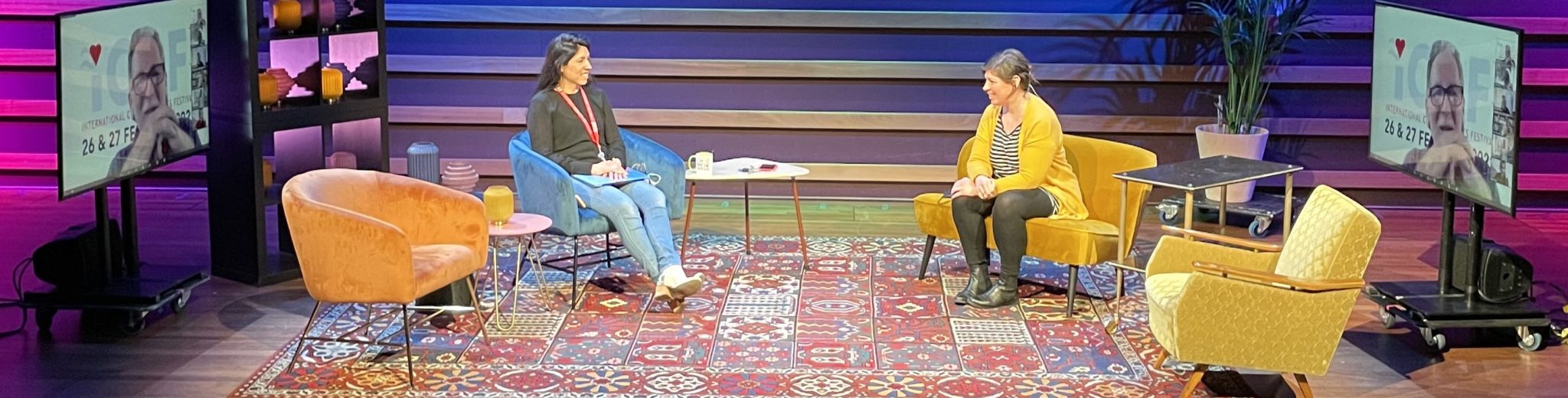
Zoom is known as a meeting tool, but it can also be used for professional online events. The difference is in preparation, direction and support.
Choose the right format
Decide whether your event should be a meeting, a webinar, a talk show, a training session or a panel discussion. The format determines how participants join, how interaction works and how much production support is needed.
Prepare your speakers
Speakers need clear instructions about camera position, lighting, sound, timing and the way questions will be handled. Do not assume that everyone is comfortable presenting online.
Create a run of show
A professional Zoom event needs a script with timings, speaker order, slides, videos, interaction moments and backup plans. This keeps the programme moving and prevents confusion.
Think about interaction
Zoom offers chat, Q&A, polls, breakout rooms and screen sharing. Use only the tools that serve the goal of the event. Too many features can make the experience messy.
Support the live moment
Have a technical host or producer present during the event. They can admit speakers, solve audio problems, manage questions and keep the event running while the presenter focuses on the audience.
Make Zoom feel like an event
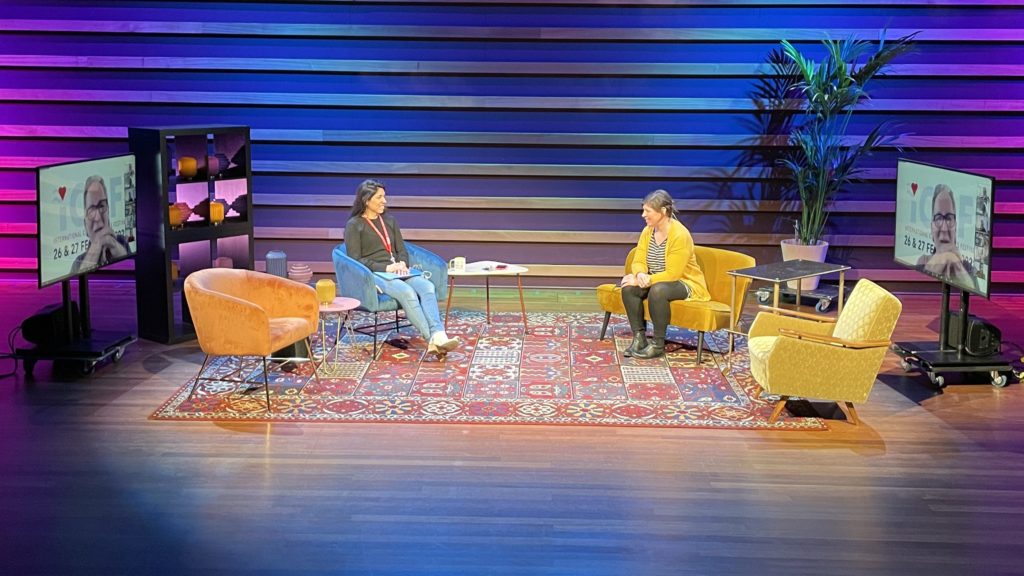
With the right preparation, Zoom can feel much more polished than a normal video call. Good visuals, clean audio, a clear host and a strong programme make the difference.
Want to discuss an online, hybrid or live event? Contact Valo Online Events.